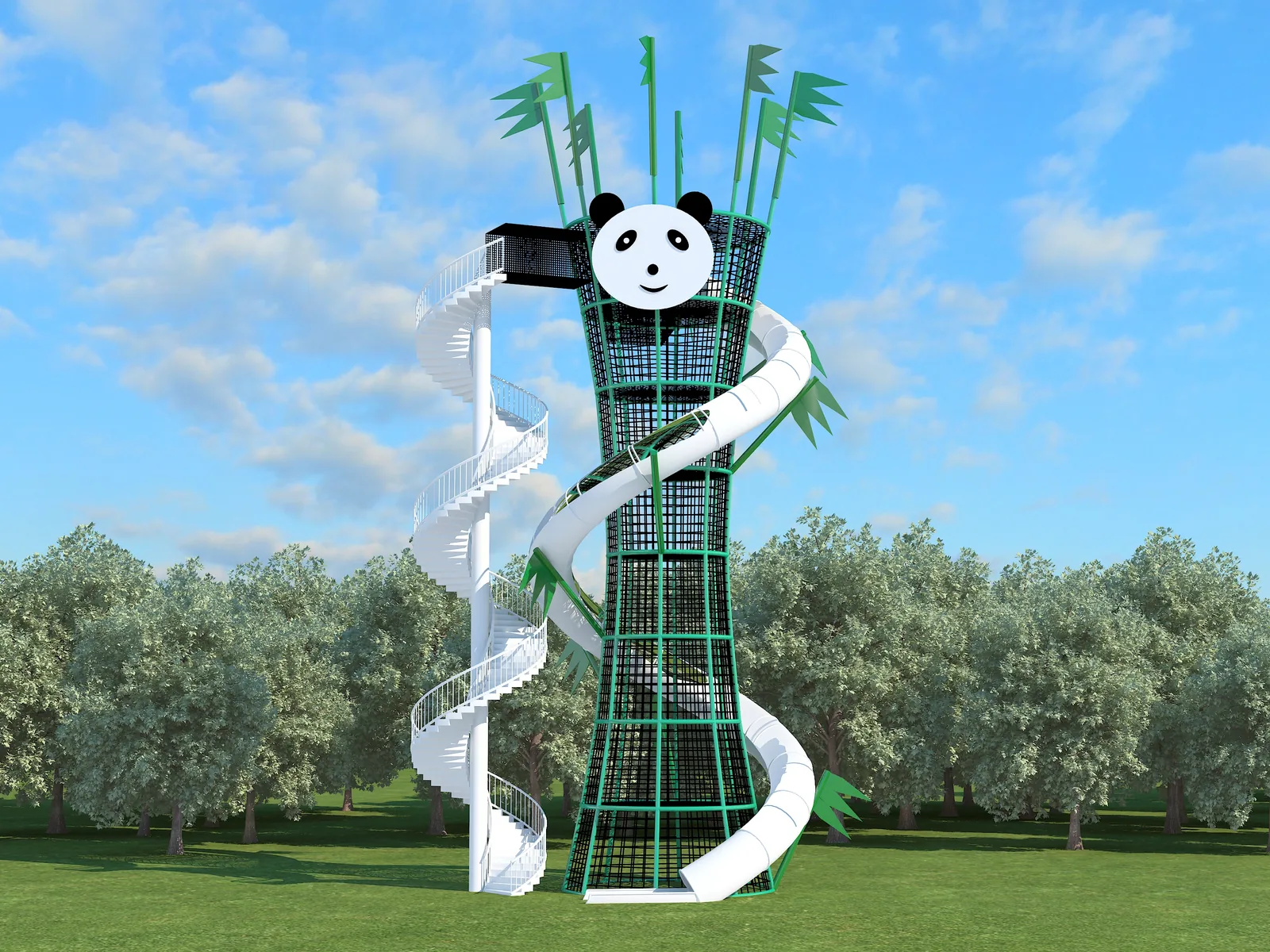


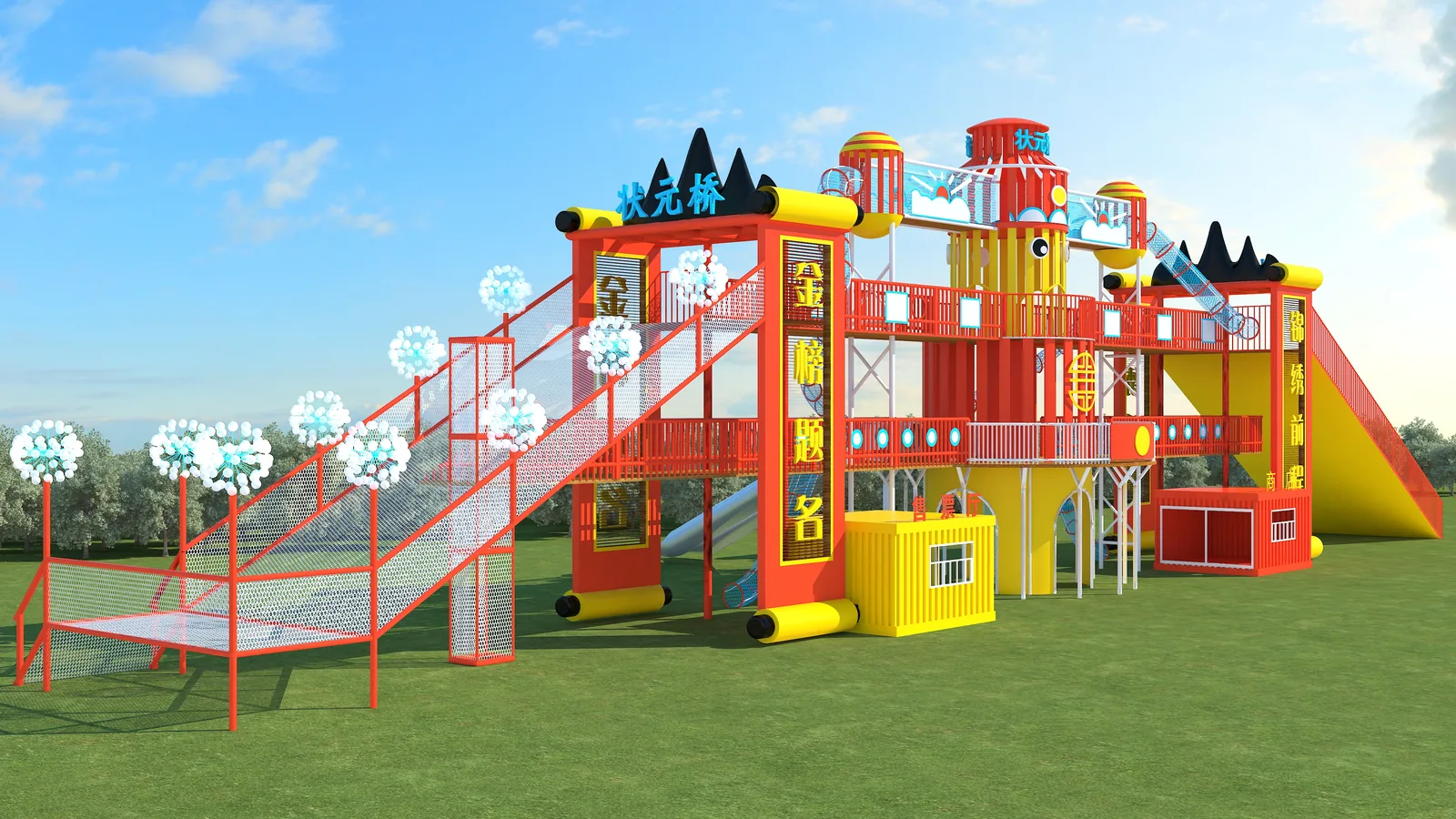
The destination expects seasonal peaks, so temporary waiting and staff positions need to work without changing the equipment claim—identify which document controls the answer when the current drawing is circulated. This planning moment explains why Scholar Bridge Play Feature needs more than a visual shortlist; before a rendering becomes a decision, show who owns the next question about handover records. Ask the supplier to respond against the same source; at the handoff from design to operations, keep JPC-0454 attached to every drawing, question, and supplier response for the family entertainment venue.
Anchoring Scholar Bridge Play Feature through the family entertainment venue plan and first reading and evidence boundary without guessing at specifications
Before supplier scope is accepted, begin with one measured base plan for the family entertainment venue; connect commercial language to the marked plan. Record the family entertainment venue's clear height, access widths, fixed services, boundaries, neighboring activities, and any time restrictions—write missing evidence as a question at the next revision check.
Update the drawing and decision log together when the family entertainment venue plan is marked up; Short answer: Scholar Bridge Play Feature may suit a family entertainment venue concept, subject to configuration and site review. In the same brief used for every option: Match it to the measured family entertainment venue, then resolve handover records, access, interfaces, responsibilities, and handover records with the supplier and the professionals responsible for the real site; write missing evidence as a question.
Show who owns the next question about handover records; during a measured-site walk-through, Scholar Bridge Play Feature is the exact catalog subject of this page, tracked as JPC-0454 in Interactive Playground Equipment. Scholar Bridge Play Feature, Interactive Playground Equipment, and JPC-0454 establish catalog identity; they are not a substitute for engineering or local review; before supplier scope is accepted, let local reviewers address the real site.
Documenting the handover records review and visual brief and decision trail around Scholar Bridge Play Feature at the handoff to the venue team
Write missing evidence as a question; before the shortlist narrows, For Scholar Bridge Play Feature, the best early deliverable is often a marked plan plus a one-page question log. Write the desired outcome, the evidence available, the responsible person, and the supplier question; for design and operations leads, cite the family entertainment venue revision beside the conclusion.
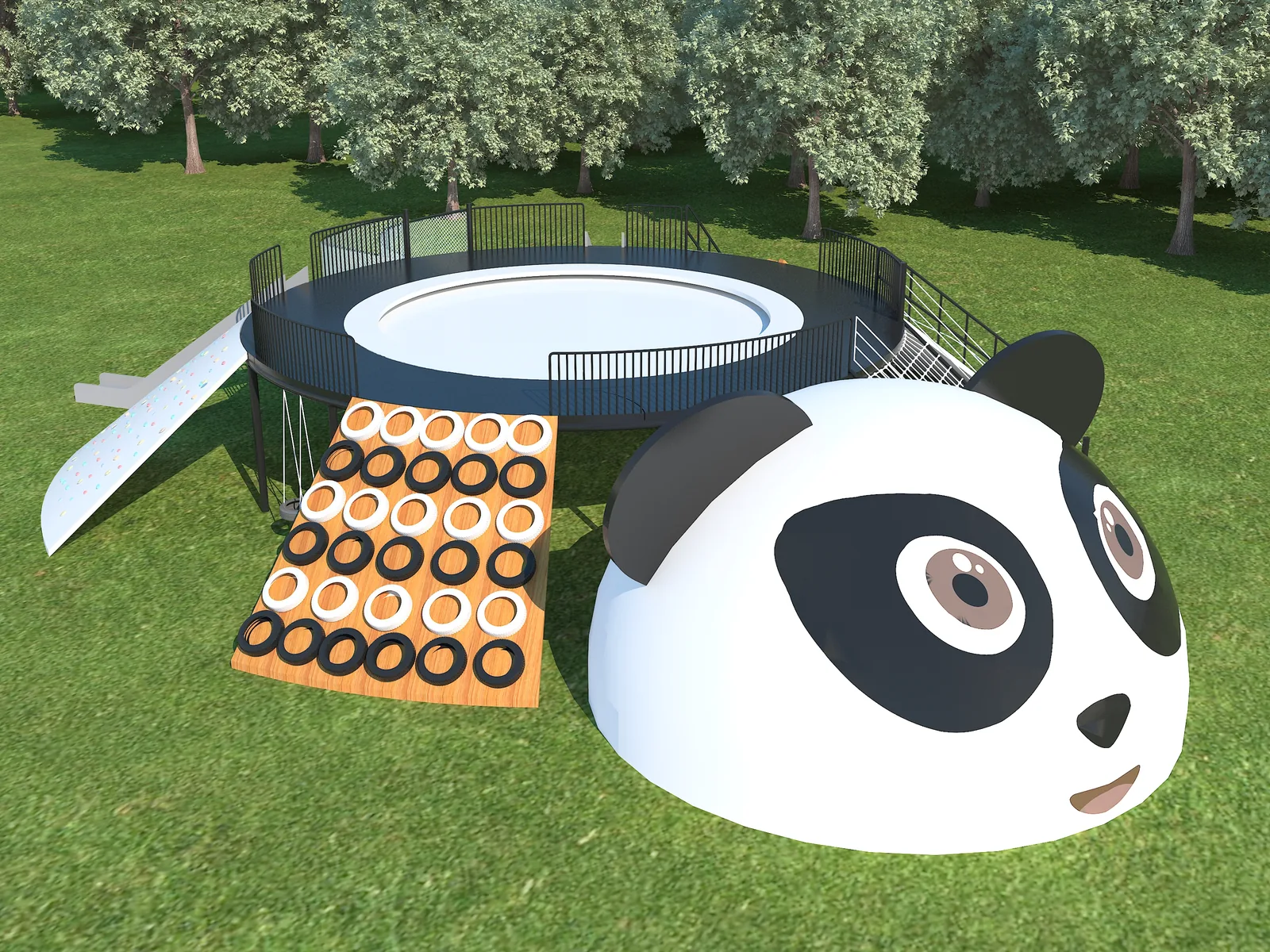
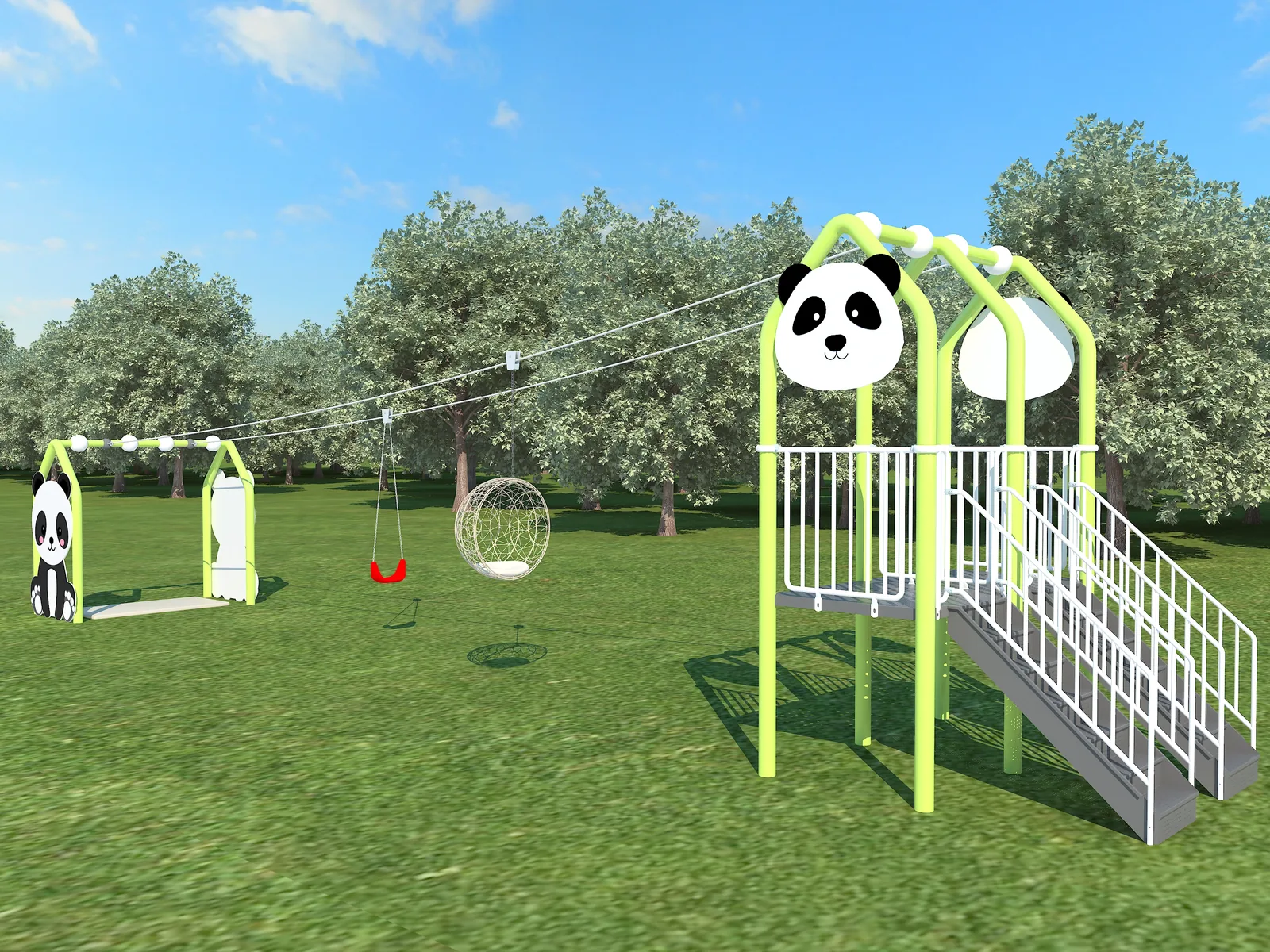
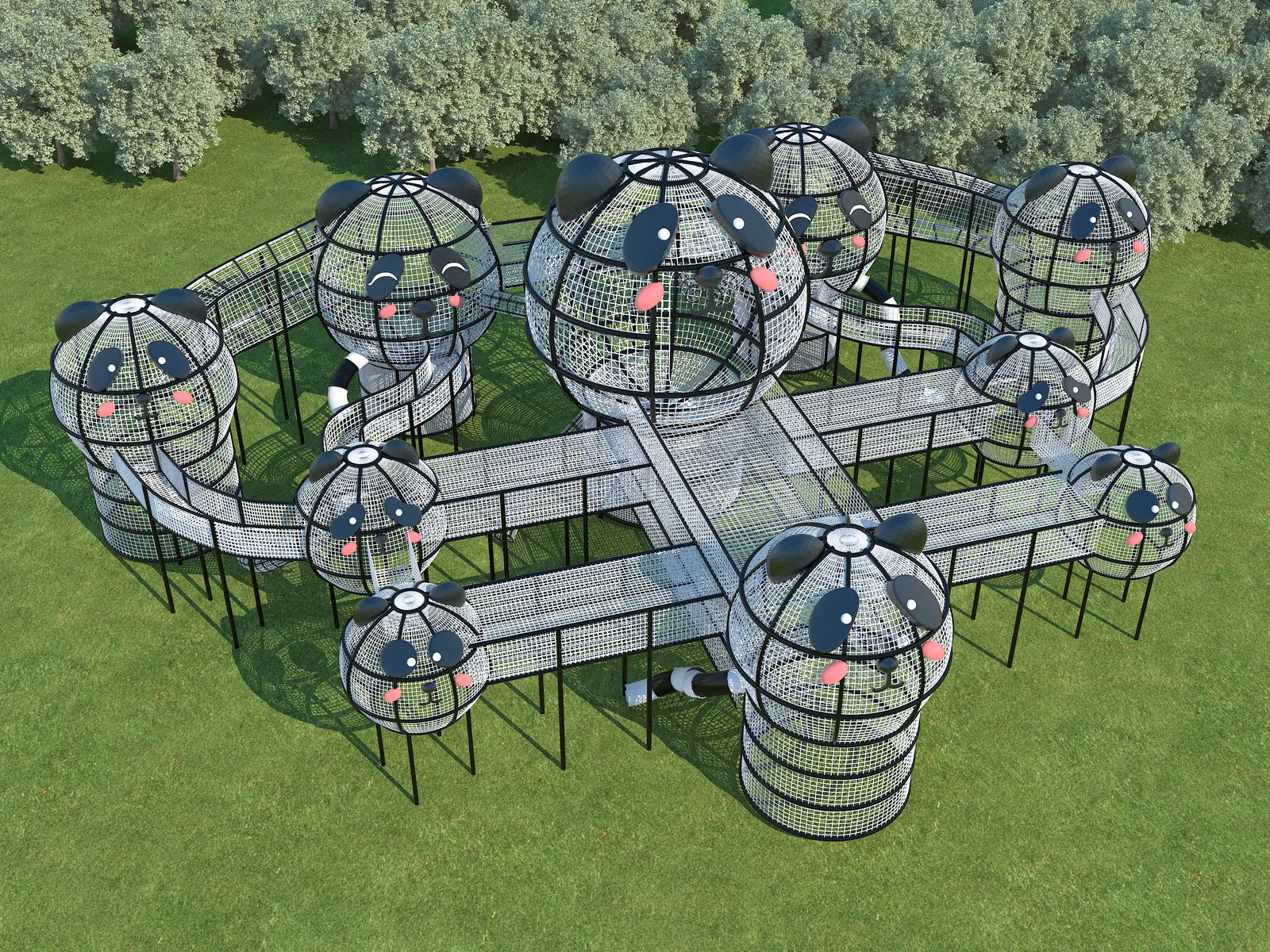
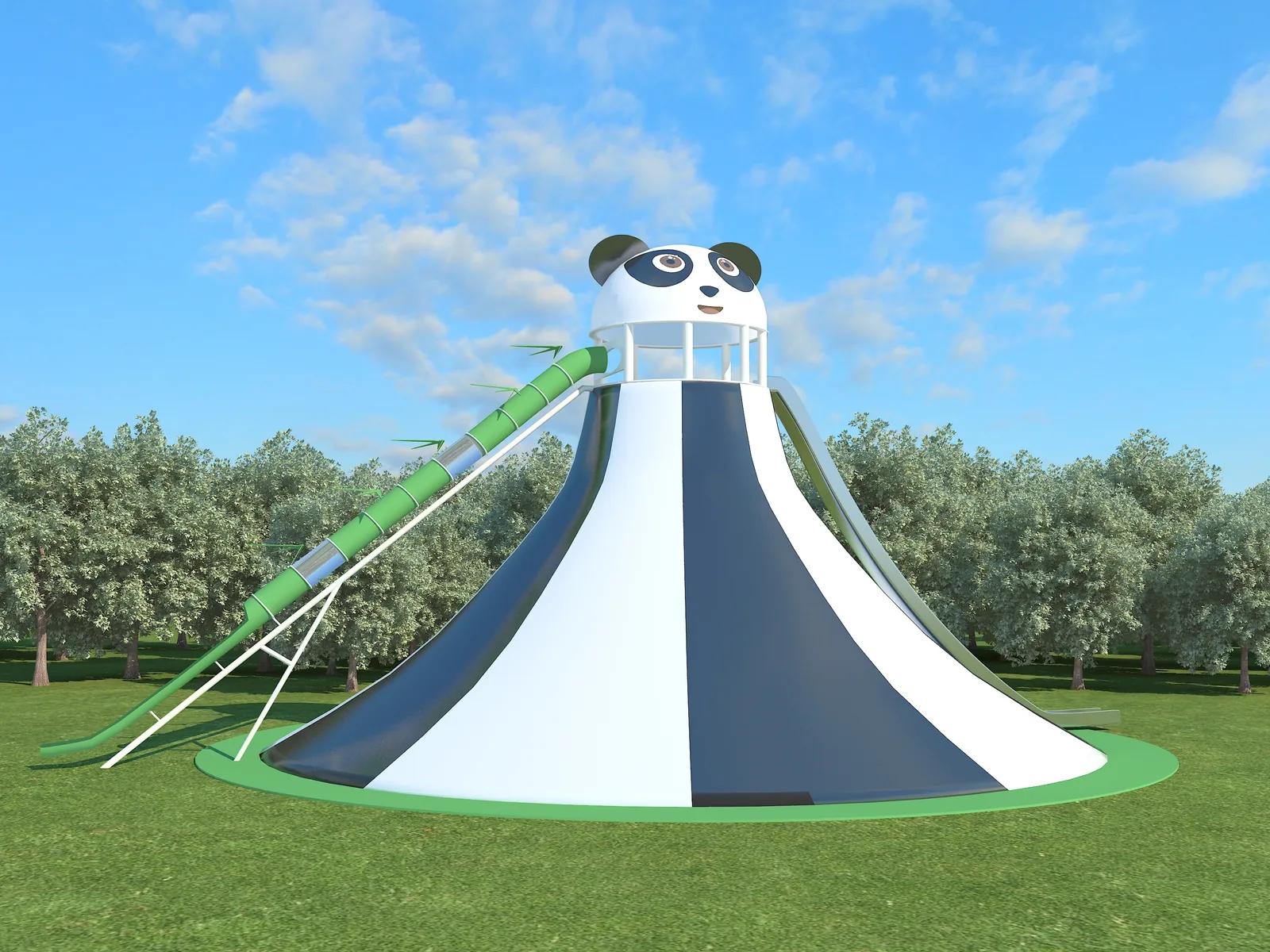
Note the date and revision before closing the item; for design and operations leads, the picture can help the team discuss character and placement, but it cannot settle the project.
Carry the unanswered point into the question log; as the family entertainment venue evidence is updated, give every unresolved point an owner, a source, and a due date. At the first project briefing: that small discipline makes later scope, access, and handover conversations far easier to audit; return any change to the measured plan.
Testing Scholar Bridge Play Feature through the question register and supplier scope and handover record and source trail for a measured-site conversation
- Using the same brief issued to every supplier, as the project moves toward selection, which user, operator, inspection, cleaning, maintenance, or emergency information will be supplied for this configuration?
- With unresolved points left visible, when the current drawing is circulated, what ongoing supplier contact route is available for configuration questions and replacement-part inquiries?
- Using dated project evidence, at the handoff from design to operations, what local review or approval inputs are expected from the buyer's project team?
- As the project moves toward selection, with Scholar Bridge Play Feature kept separate from alternatives, how should adjacent circulation, waiting, viewing, cleaning, storage, and service space be shown on the layout?
- With JPC-0454 as the product key, for design and operations leads, which records should be accepted at handover, and who will own unresolved items after installation?
Send every shortlisted supplier the same plan, photographs, intended use, access record, schedule, and question list—attach the response to the exact JPC-0454 record when the current drawing is circulated. This is particularly important when the same product name can cover different colors, themes, layouts, or optional components—make the next step legible to operations during a measured-site walk-through.
Future changes deserve the same discipline as the first installation; with JPC-0454 kept visible, note the date and revision before closing the item. At the next revision check, record which comments affect the product configuration and which belong to venue procedures; identify which document controls the answer.
In a supplier-ready project brief, Anchor the working brief to Interactive Play 167 (Scholar Bridge Play Feature); ask the supplier to respond against the same source. Give later reviewers a clear audit trail; in the same brief used for every option, a visit to interactive playground equipment can suggest questions; it cannot answer them for the selected version.
Frequently asked questions
Before commercial and technical notes are combined, when the current drawing is circulated, can this guide confirm compliance or safety?
Treat Scholar Bridge Play Feature as a reference, not a specification on the JPC-0454 working file; no: it makes no certification, compliance, or safety claim. In the same brief used for every option, Product documents and qualified local professionals must address the requirements that apply to the selected configuration and site; separate buyer and supplier responsibilities in writing.
Mapping Scholar Bridge Play Feature through the next inquiry while alternatives stay on separate records
When the team is ready to discuss Scholar Bridge Play Feature, send JPC-0454 together with the base brief everyone has reviewed; in a supplier-ready project brief, update the drawing and decision log together.